
With Customer Questions AI, Zoloo writes a suggested reply to a customer question in your bol.com seller account. You read the suggestion, adjust it if needed and paste it into your reply to the customer yourself.
The Zoloo Buddy extension is in Dutch, so the button names below are the Dutch ones.
What you need
- The Zoloo Buddy extension in Chrome on your computer. Download the extension or update it to the latest version.
- You are logged in to Zoloo in the same browser. Otherwise the panel shows Log in om alle functies te gebruiken and the button Inloggen bij Zoloo.
- An active Zoloo subscription or a running trial.
How to use it
- Open a customer question in your bol.com seller account.
- Click the floating button with the Zoloo logo. The Zoloo panel slides open.
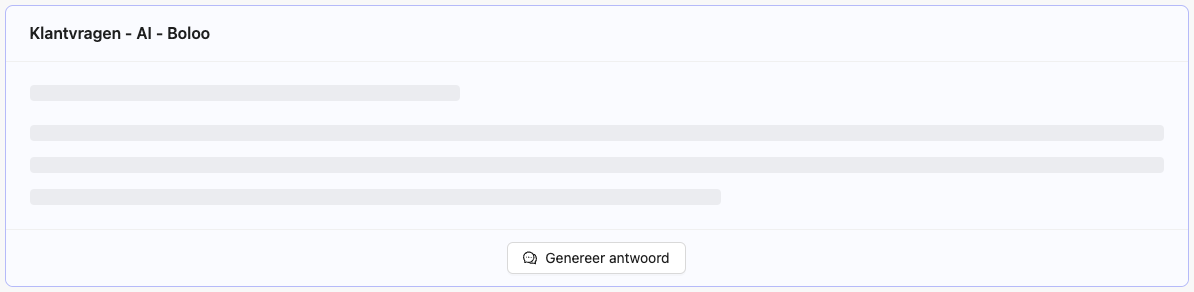
- Click Genereer antwoord (generate answer). The reply appears while it is being written.
- Not quite right? Under Feedback, type what should change, for example "Maak dit antwoord korter" (make this answer shorter), and click Aanpassen (adjust). The arrows icon makes a new reply.
- Click the copy icon. You see Text is gekopieerd. Paste the text into the bol.com message field and send it there.
Which data does the AI use?
Zoloo reads what is on the customer question page, such as the customer's name, the subject, the product and EAN, the order number, the order date, the status and the price. If the customer's last message, earlier messages and the track and trace code are on the page, they are included too.
Do you see the card Klantvraag Informatie in the panel? Then Zoloo uses the subject of the customer question as the question, and earlier messages and the track and trace code are not included. Read the reply extra carefully.
Zoloo asks the AI to reply briefly and professionally, in an informal tone and using the customer's first name. These instructions are in Dutch, so with a French-speaking customer, check that the reply is in the right language.
Zoloo also gives the AI fixed advice about parcels that have not arrived yet, about returns (free return within 30 days of delivery, with bol.com refunding within 5 working days) and about VAT invoices. If that does not fit your shop or product, adjust the reply.
What Customer Questions AI does not do
- Send replies. You do that yourself in bol.com.
- Use your own documents, such as manuals, your own FAQ or your own return terms.
- Remember your preferences. Aanpassen only changes the reply you are looking at.
- Make more than 10 replies per minute. If you hit that limit, wait a moment.
- Hide the Zoloo button. The panel is closed by default, and you can drag the button to another spot.
Not working?
- No Zoloo button on the customer question? Check that the extension is switched on and read Zoloo Chrome extension not working.
- A message about your subscription? Then you do not have an active subscription or running trial.
- An error message? Click the arrows icon to try again.